Sentivia Edits for the Selected Image
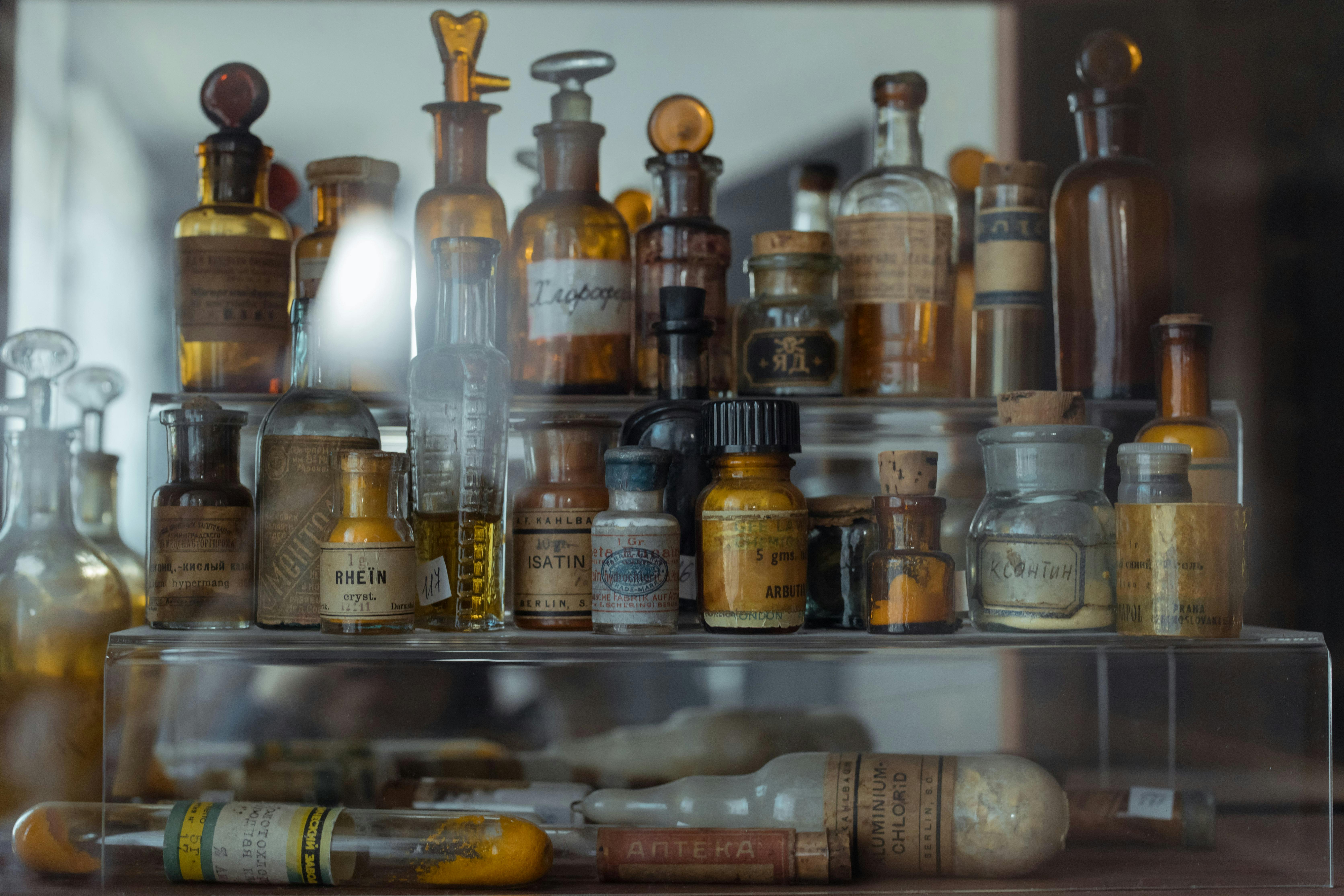
- Here are 5 imaginative and magical edits a person might enjoy making to the photo:
- **Enchanted Labels:** Change the labels on the bottles to read whimsical potion names like "Elixir of Giggles," "Tears of a Dragon," "Dust of a Thousand Stars," or "Whispers of the Forest." Use a playful font and add glowing effects to the labels to give them a magical aura.
- **Glow Potion Effects:** Give some of the liquids inside the bottles a luminous, magical glow. Use different colors and shades to suggest different effects – a soft blue glow for calming potions, a fiery orange for energizing ones, a deep violet for dream-inducing concoctions.
- **Miniature Worlds in Bottles:** Create miniature landscapes or scenes inside the bottles. Imagine a tiny forest in one, a miniature castle in another, or a starry galaxy swirling within a third. You can accomplish this by editing existing landscape images and scaling them down inside the bottles.
- **Sparks and Bubbles:** Add subtle animations to suggest bubbling potions and magical sparks emanating from some of the bottles. Use light flares and particle effects to create a sense of active magic at work.
- **Transformation Effect:** Select one of the bottles and create a visual effect showing its contents transforming into something else, like a swarm of butterflies emerging or turning into a miniature version of a mythical creature. Use morphing and particle effects to achieve this transformation effect.
🔙 Back to Gallery