Fun Edits for the Selected Image
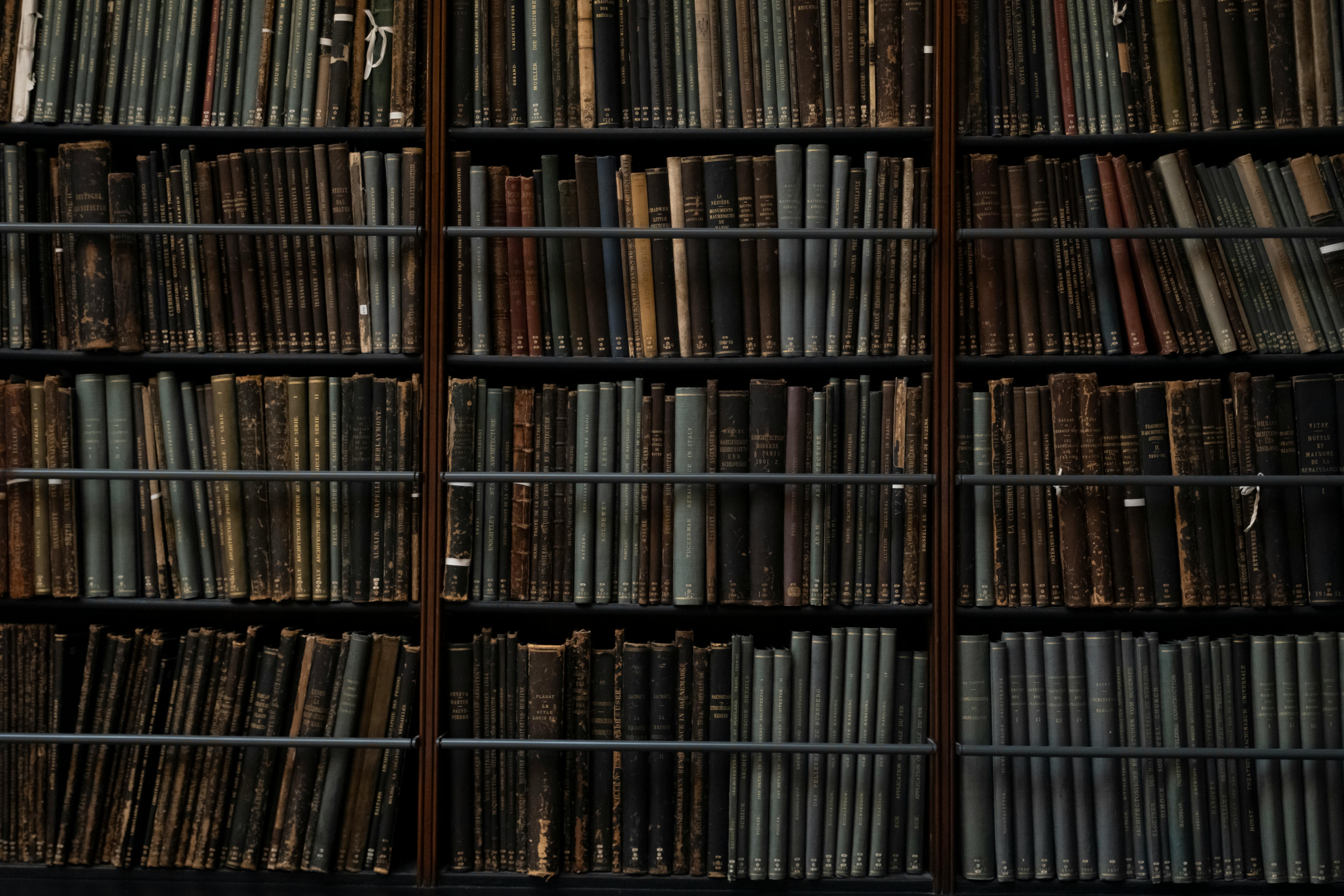
- Okay, here are 5 imaginative and magical edits a child might enjoy making to the photo of the bookshelves:
- **Enchanted Book Titles:** Change the titles of the books to fantastical ones like "The Dragon's Cookbook," "How to Train a Unicorn," "Adventures in Candyland," or "The Secret Language of Fairies." Use a simple drawing app to add these titles to the spines in bright, playful fonts.
- **Hidden Creatures:** Add small, whimsical creatures peeking out from behind the books. This could include cute dragons, tiny fairies, mischievous gnomes, friendly monsters, or even animals wearing tiny hats. They could be drawn or added as stickers, digitally or printed out to be glued on to the photo.
- **Glow-in-the-Dark Runes:** Using a digital art program, add glowing, magical runes to the spines of some of the books. Imagine they light up when a special spell is cast, granting the reader magical powers! These could be made in bright, neon colors to stand out.
- **Portal to Other Worlds:** Create a "portal" effect on one of the bookshelves. Use a photo editing app to add a swirl of color or a picture of a fantastical landscape (like a floating island, a rainbow forest, or a castle in the clouds) behind the books, suggesting that opening one of them leads to a different world.
- **Animated Books:** Draw simple, looping animations on some of the books. For example, a little dragon could breathe fire, a fairy could flap its wings, or a book could open its pages and reveal glittering treasures. This could be done by making a series of slightly different drawings of the animation and layering them on top of the image.
🔙 Back to Gallery