Fun Edits for the Selected Image
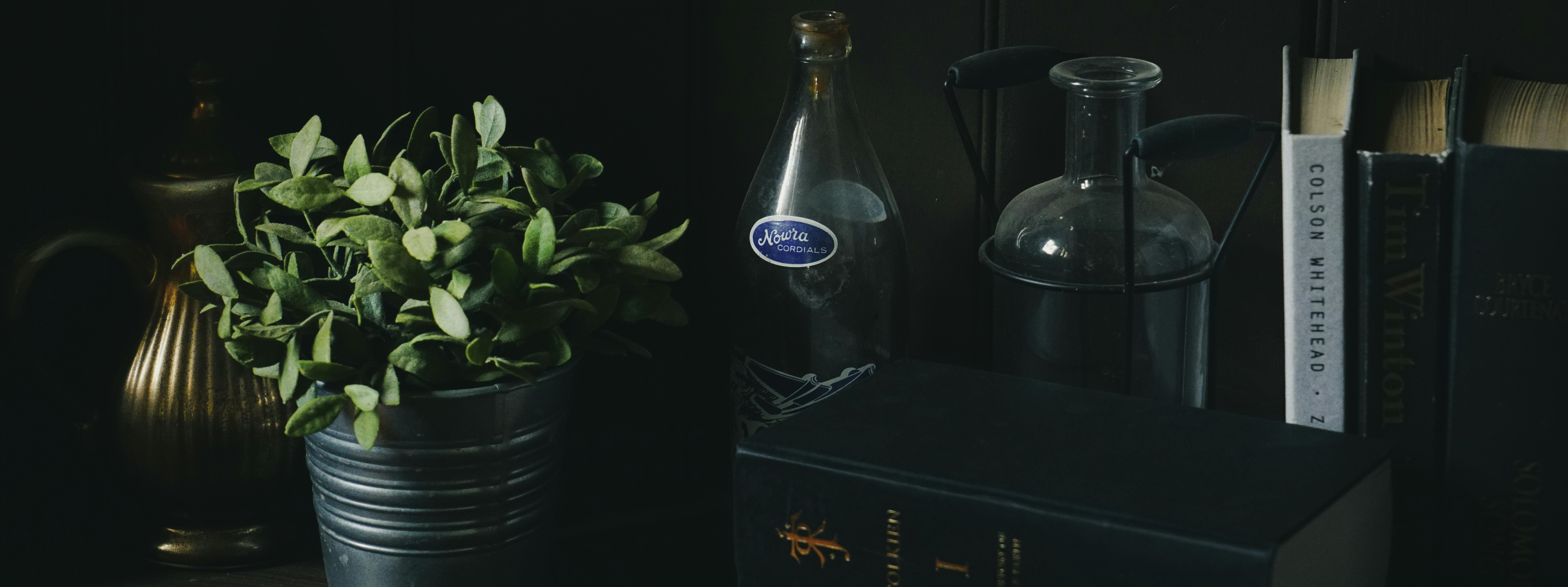
- Okay, here are five imaginative, magical edits a child might enjoy making to the photo, along with descriptions of how they could be implemented:
- **The Plant's Pot Turns into a Tiny Fairy House:**
- * **Edit:** Transform the metal pot holding the plant into a whimsical fairy house. Add tiny windows, a miniature wooden door, maybe a little mushroom chimney. The leaves could be spilling out like ivy growing on a cottage.
- * **Implementation:** Draw (digitally or physically) onto the pot to create the details. Add brighter, more saturated colors to the pot and the added features.
- **The Bottles Contain Potions:**
- * **Edit:** Make the clear bottles look like they contain magical potions. Give them swirling, colorful liquids inside. Maybe one glows, one has tiny bubbles rising in it, one has glitter swirling.
- * **Implementation:** Use digital painting to change the appearance of the bottles' contents. Add color overlays, transparency, and effects like glows and sparkles.
- **Flying Books**
- * **Edit:** The books could be levitating out of the shelf, in the middle of the air, maybe the pages of one of the books are glowing as if someone is casting a spell from it.
- * **Implementation:** Cut out the books from the original image and duplicate, position them to give the impression they are floating, and use digital painting to add the glowing effect.
- **The Cork Turns into a Wizard's Hat:**
- * **Edit:** Change the top cork of the old bottle into a pointed wizard's hat, with a little brim. Maybe add some subtle starry patterns to the hat.
- * **Implementation:** Use digital drawing to shape and color the cork like a hat. Add patterns using brushes or overlays.
- **Magical Butterflies Around the Scene:**
- * **Edit:** Add small, brightly colored, glowing butterflies fluttering around the plant and the other objects. Some could have patterns of constellations on their wings.
- * **Implementation:** Find or create butterfly images (clip art or digitally painted). Scale them down and position them around the image, adding a slight blur to suggest motion. Use a glow effect to make them shimmer.
🔙 Back to Gallery